

Typora - 最新版
Typora - cross-platform Markdown editor WYSIWYG with Latex formula support
Visual Studio Code - Code Editing. redefined is a free, open-source, cross-platform code editor released by Microsoft, which is essentially a cross-platform implementation of Microsoft's Visual Studio Online (codename: Monaco), their online editor, combined with Github's Electron, who have made great strides in creating a fast and efficient work environment for programmers.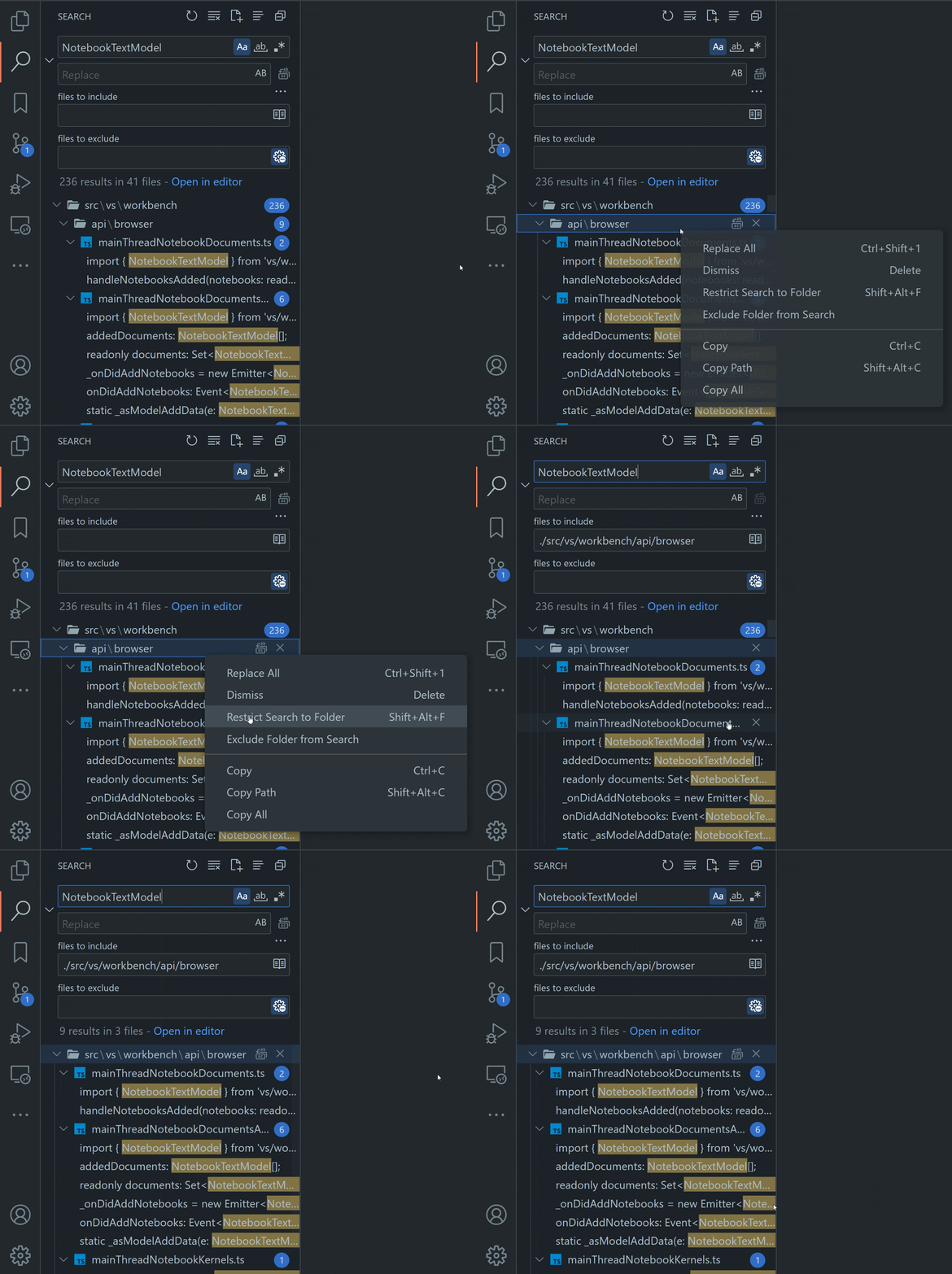
Provides smart-aware auto-completion
Built-in support for code debugging
Built-in sidebar Git commands
Integrated terminal supporting multiple instances
Customization through extensions and themes
Use VS Code Insiders to get the latest versions of daily builds
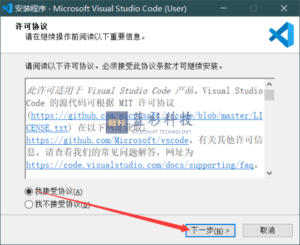
I: Consent agreements
II: Choose the installation path
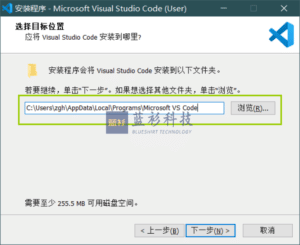
It is obvious to see that the default installation path of visual studio code isC:\users\user name\AppData\Local\Programs\Microsoft VS Code
You can make changes to it:
III: Creating a shortcut to VSCode in the Start Menu folder
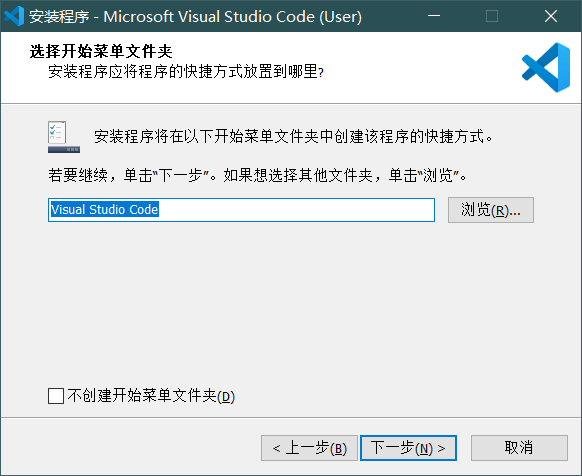
The Start Menu folder is:
Once the installation is complete, hit win on your keyboard and you'll see!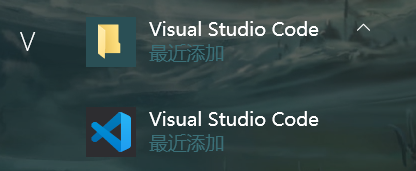
IV: Some very useful settings
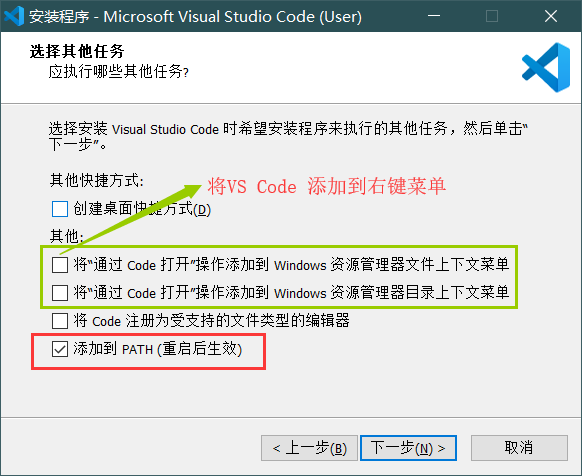
The effect when these options are checked is as follows:
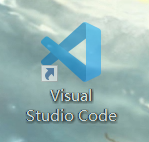
A shortcut to this VSCode will appear on the desktop
Select any file and click the right mouse button
The file can be opened directly via VSCode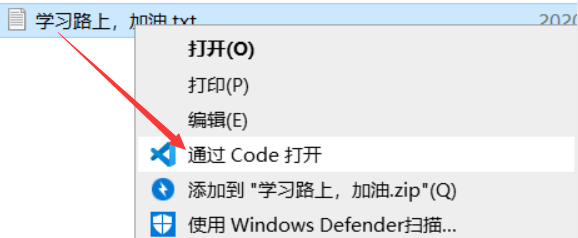
Select any folder and click the right mouse button
You can open the folder directly via VSCode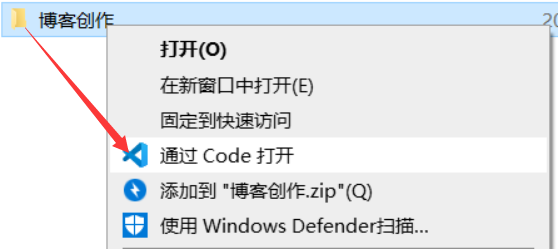
Adding VS Code's Open operation to the right-click menu of files and folders will bring great convenience to our operation.
with regards toDocuments of supported file typesYou can right-click > Open Methods > Visual Studio Code.
to open the file in VSCode
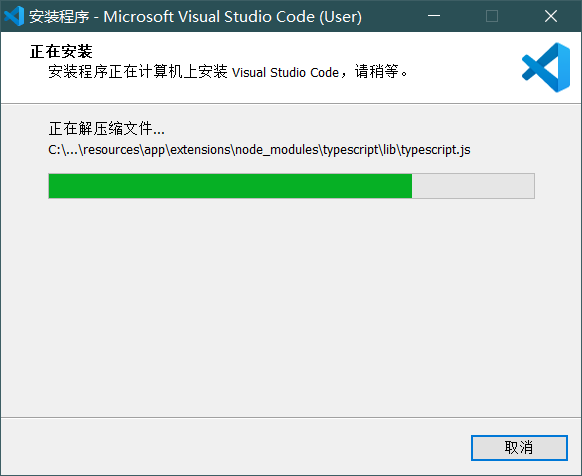
V: Wait for the installation to complete
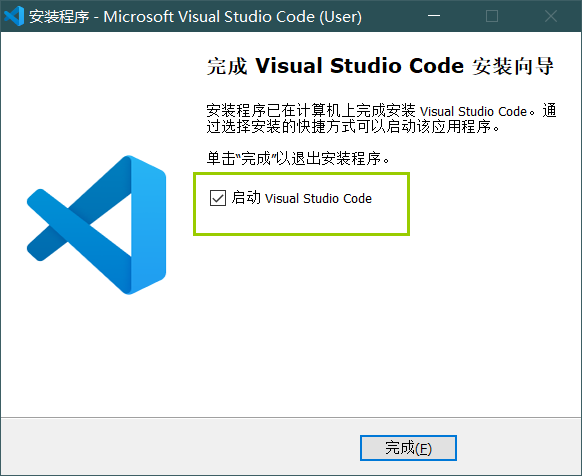
VI: Installation completed
visual studio code Chinese setup tutorial
Open the software and use the shortcut keys Ctrl+Shift+P
Type "configure language" in the pop-up command window.
The language download page will appear, select Chinese, click install, the lower right corner will prompt to restart the software.
64-bit:https://code.visualstudio.com/docs/?dv=win64
32 bits:https://code.visualstudio.com/docs/?dv=win32
MAC:https://code.visualstudio.com/docs/?dv=osx
Linux:https://code.visualstudio.com/docs/?dv=linux64
35 Windows must be installed artifacts, you must not be allowed not to know
Featured 7 office add-ins that will make you fly with efficiency
Blueshirt Technologies - Humanity One Down Free Steam Edition (bluelsqkj.com)
BlueShirt Technologies - PDF to X v7.0 Software + Activation Code (bluelsqkj.com)
How to find files in a second, enough to last a lifetime_哔里哔里_bilibili
Match live APP , Chinese super, three a super clear watch! ___Beijing_bilibili