
WPS - 最新版
WPS is the office software produced by Kingsoft Office Software
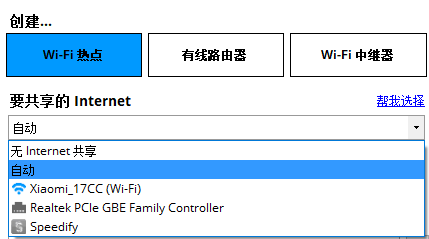
Connectify Hotspot turns a computer with a wireless card / 3G card into a wireless router, creating a wireless hotspot in a few easy steps, allowing your phone, laptop or any other wireless device to share the Internet.
0 Already downloaded Mobile view
Integrated official download address & domestic high-speed download address
https://dl.lizhi.io/connectify_pro
Connectify turns your computer with a wireless card / 3G card into a wireless router, creating a wireless hotspot in a few simple steps, allowing your cell phone, laptop or any other wireless device to share the Internet.
相比那些免费的同类Software,Connectify 创建热点的稳定性和可用性上都远远超过它们,同时还能为链接热点的设备屏蔽广告。
Connectify 就是这样一个强大的无线热点Tools (支持 NAT,DNS 和 DHCP;支持通过 IPv6 拨号的网络),让任何一个带有 Wi-Fi 功能的设备都可使用共享的网络!
| Connectify Hotspot Pro | Connectify Hotspot Max 1 devices | Connectify Hotspot Max 3 devices |
|---|---|---|
| 1 device can be activated | 1 device can be activated Supports wireless relay and more |
3 devices can be activated Supports wireless relay and more |

| Function | Hotspot Pro | Hotspot Max |
|---|---|---|
| Access via Wi-Fi shared network | ● | ● |
| Shared network access over Ethernet | ● | ● |
| Access via 4G shared network | ● | ● |
| Monitoring of equipment network utilization | ● | ● |
| Unlimited hotspot sharing time | ● | ● |
| Customize the name of the shared hotspot | ● | ● |
| Unlimited number of file transfers | ● | ● |
| Connected Device Firewall Control | ● | ● |
| wired routing mode | ● | ● |
| wireless relay mode | ● | |
| Network Bridge Mode | ● | |
| Customizing DHCP and IP Control | ● |
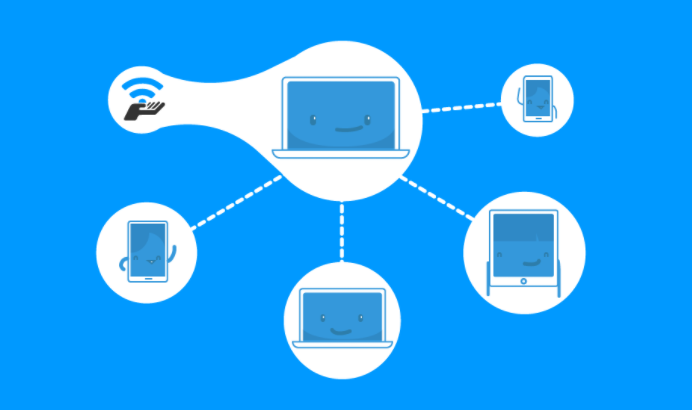
Shared Internet access via 4G network (Pro & Max)
Connectify Hotspot Pro and Max make it simple to share a network connection from your 4G mobile device.
Unlimited Hotspot Sharing Time (Pro & Max)
Unlocking Hotspot Sharing Time allows you to share your Hotspot with Connectify 7*24 hours without restriction. That means all your connected devices can stay online as often as you need them to.
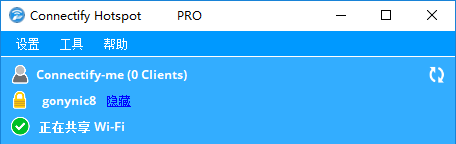
Enable wired devices to join your wireless LAN (Pro & Max)
In wired mode, Connectify Hotspot allows you to share your computer's wireless network connection via the Ethernet port. Simply connect your old gaming consoles, computers, and all devices that only support Ethernet ports via a network cable to share your wireless network, and never worry about being unable to access the Internet without a wireless card. The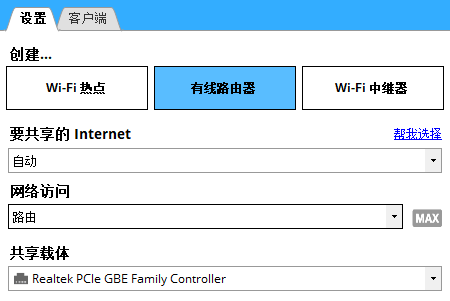
Customized Hotspot Names (Pro & Max)
All premium subscription versions of Connectify Hotspot have the ability to customize the wireless network broadcast name (SSID), with Emoji support for the hotspot name.

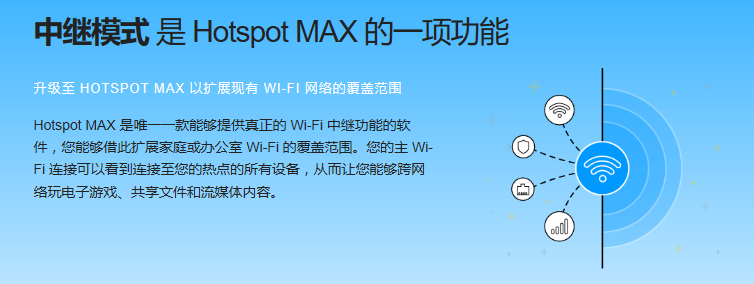
WiFi relay mode (Max)
Connectify Hotspot is the only software available that supports virtual routers, giving you a real Wi-Fi relay experience where you can extend the W-Fi signal range of your home or office. The primary Wi-Fi connection has access to all the devices connected to the hotspot, so you can play handheld games, share files, or access streaming content on your network.
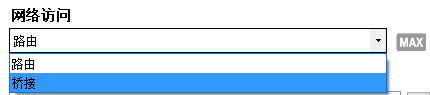
Network Bridge Mode (Max)
When Bridge Mode is enabled, devices connected to your Hotspot Max will be forwarded directly to the wireless network you are broadcasting to. This is a very powerful feature that allows you to share your home network and ensure compatibility with gaming devices such as Playstation and Xbox. You can assume that the device is connected to your local LAN and can access all streaming media content.
Customized IP address and DHCP control (Max)
When auto-configuration is typically used, Connectify automatically selects available IPs and assigns them to devices, so you don't have to worry about network configuration. For professional users who may need more control options, custom IP addresses and DHCP control ensure that all devices are connected and assigned to a specified IP range.
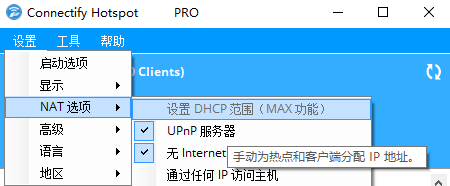
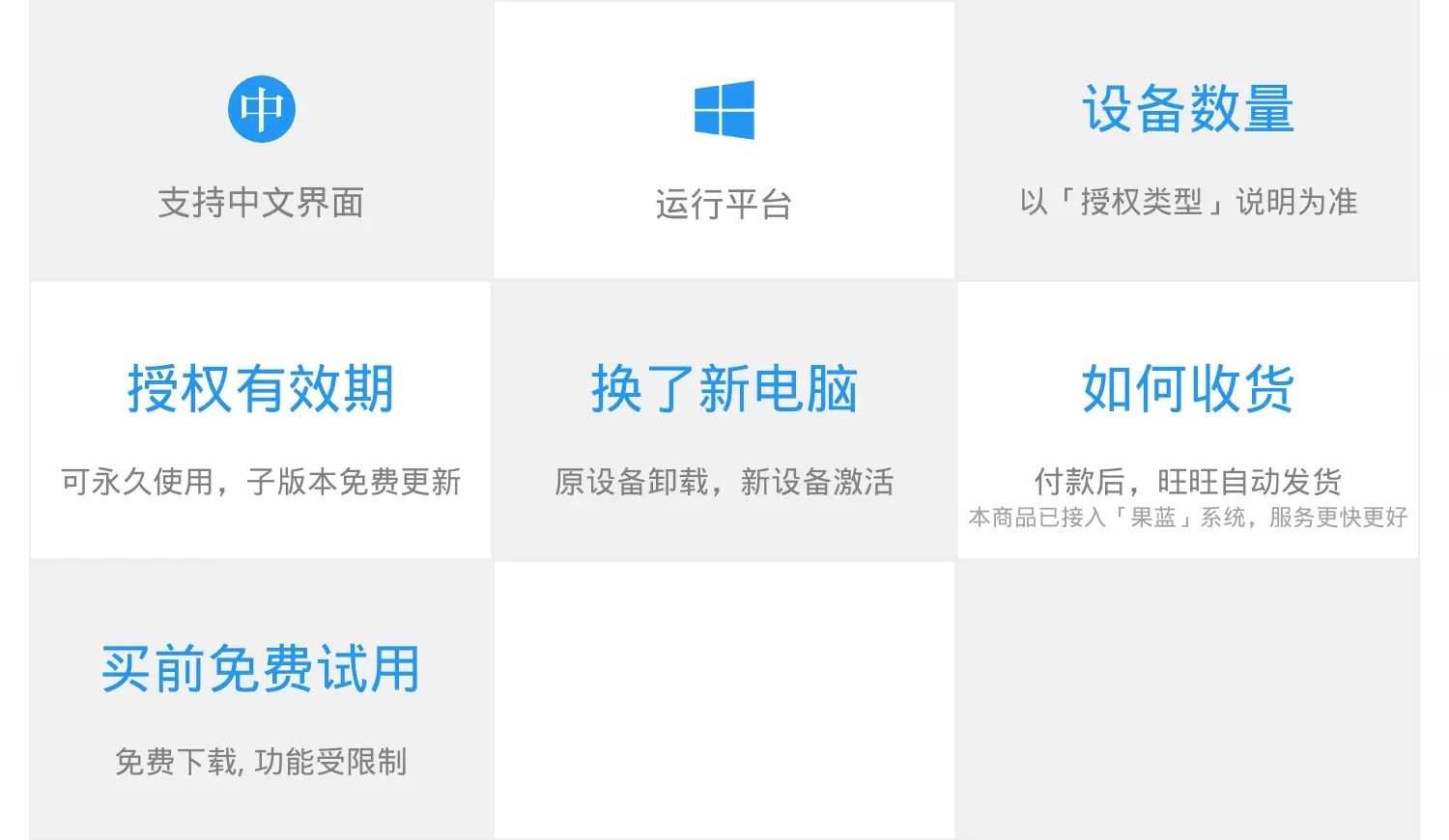
Once you have received your license, activate the software by following these steps:
I. On the redemption page after purchase, fill in and submit the information and wait for the opening email from the software developer.
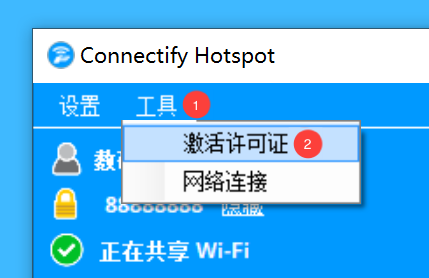
Second, after receiving the email, run "Connectify Hotspot" and select "Tools > Activate License" in the software menu bar:
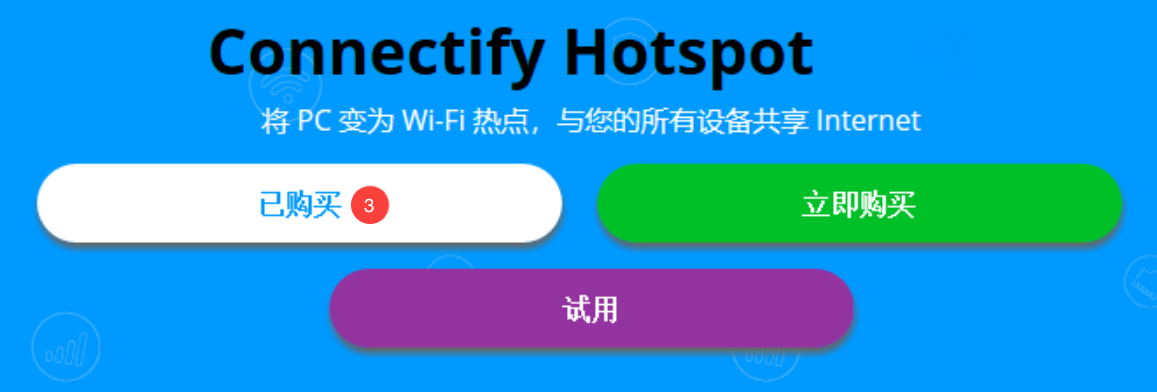
Third, click the "Purchased" button in the pop-up window:
四、在登录窗口中选择「忘记密码?」,输入授权的Mailbox,点击「提交」按钮,即可收到包含账户密码的邮件:

Fifth, enter your email and password in the window, click the "Login" button, and then click the "Activate" button in the pop-up window to unlock the functions.

If you have problems with it, you can visit the following link to go to our official website to see the solutions to common problems.
https://www.lizhi.io/software_faq/61013691
35 Windows must be installed artifacts, you must not be allowed not to know
Flint Security V5.0.69.5 (Official Version) - Blueshirt (bluelskj.com)
How can I download documents from Baidu's library for free? - Zhihu (zhihu.com)
Blueshirt Technology - PDF to X v7.0 Software + Activation Code (bluelsqkj.com)
How to find files in a second, enough to last a lifetime_哔里哔里_bilibili